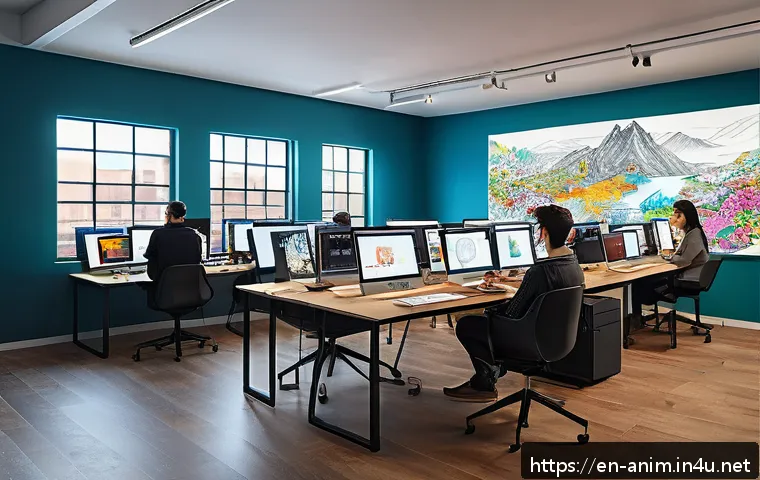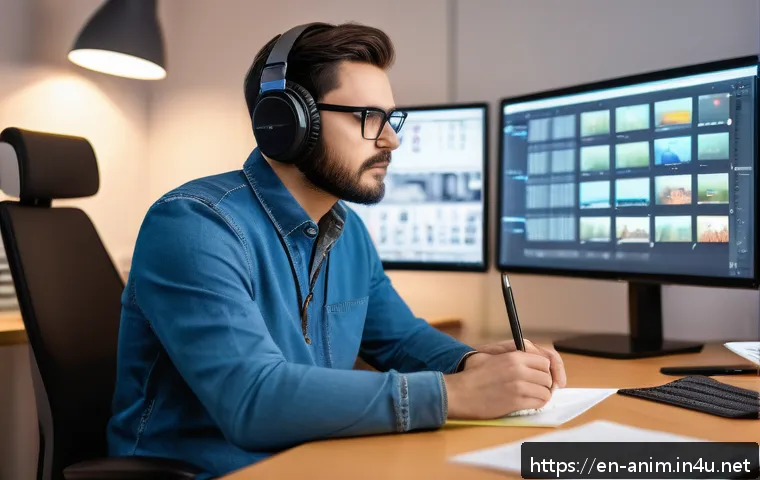
In today’s fast-evolving animation industry, solo projects within studio pipelines are becoming more common yet remain challenging. Balancing the thrill of creative freedom with the structured expectations of a studio can feel like walking a tightrope.

Whether you’re an aspiring animator or a seasoned pro, understanding how to navigate this dynamic is crucial for delivering standout work without losing your artistic voice.
Let’s dive into practical insights and real-world tips that can help you master solo animation projects while thriving under studio guidelines. If you’ve ever wondered how to stay inspired and efficient at the same time, this is the place to start.
Finding Your Rhythm Within Studio Structures
Adapting Personal Workflow to Team Expectations
Working solo inside a larger studio pipeline often means you can’t simply follow your own preferred process. Studios have established workflows, deadlines, and quality standards that you must align with.
From my experience, the key is flexibility—don’t resist the studio’s system, but instead find ways to integrate your style into their framework. For instance, if the studio uses specific file naming conventions or asset management tools, adopting those early helps avoid bottlenecks and builds trust with your team.
It’s like joining a dance where you lead your own moves but stay in sync with the music everyone else follows.
Balancing Creative Freedom and Brand Consistency
One of the trickiest parts is maintaining your unique creative voice while respecting the studio’s brand guidelines. I’ve noticed that when you fully understand the studio’s visual language and storytelling approach, it becomes easier to innovate within those boundaries.
Think of it like coloring inside the lines, but choosing vibrant shades and bold strokes that bring fresh energy. Communicating regularly with art directors or supervisors helps ensure your solo work enhances the project’s overall tone instead of clashing with it.
Managing Time Effectively Without Losing Quality
Solo projects can sometimes feel overwhelming because the responsibility for every detail rests on you. Time management becomes critical. Personally, I break down the project into smaller milestones and allocate buffer time for unexpected issues.
Using task management apps or simple to-do lists keeps me focused and prevents last-minute crunches. Also, don’t hesitate to flag potential delays early—studios appreciate transparency, and it often leads to collaborative solutions rather than blame.
Leveraging Technology to Streamline Solo Animation Work
Choosing the Right Tools for Efficiency
When flying solo, the software and hardware you use can either boost your productivity or slow you down. I’ve experimented with various animation suites and discovered that tools with integrated asset libraries and real-time previews save me countless hours.
For example, using programs that support non-destructive workflows means I can tweak animations without redoing entire scenes. It’s like having a safety net that encourages experimentation without fear of losing progress.
Automating Repetitive Tasks to Save Time
Automation isn’t just for big studios; solo animators can benefit hugely by setting up scripts or macros to handle mundane tasks. In my projects, automating file exports, batch renaming, or keyframe adjustments freed up time for more creative work.
Even simple plugins that streamline rigging or lip-syncing can make a noticeable difference. This not only speeds up the pipeline but also reduces the risk of human error, which is vital when there’s no one else to catch mistakes.
Collaborating Remotely Without Losing Connection
Even on solo assignments, staying connected with your studio team is essential. I’ve found cloud-based project management tools and version control systems incredibly helpful for sharing updates and receiving feedback in real time.
Regular video calls or quick check-ins help maintain a sense of camaraderie and keep you aligned with the project’s evolving needs. It’s easy to feel isolated, but technology bridges that gap effectively if you make it a habit.
Building Confidence Through Incremental Progress
Setting Realistic Goals to Avoid Burnout
One lesson I learned the hard way is that pacing yourself is crucial. Solo projects can become all-consuming if you try to tackle everything at once. Breaking the work into manageable chunks and celebrating small wins keeps motivation high.
For example, completing a character rig or finishing a background layout feels like a victory and fuels momentum. Recognizing these milestones also helps avoid the burnout trap that often hits solo creatives juggling multiple roles.
Seeking Feedback Early and Often
It might feel vulnerable to share unfinished work, but early feedback is a game changer. I remember a project where showing rough drafts to my supervisor uncovered issues that saved weeks of rework later.
Even informal critiques from trusted colleagues can reveal blind spots you might miss working alone. This iterative approach not only improves quality but also builds your confidence, knowing you’re headed in the right direction.
Reflecting on Your Progress and Learning
At the end of each solo project phase, taking time to reflect is invaluable. I keep a journal or log of what worked well and what didn’t, which informs my future approaches.
This habit turns every project into a learning experience rather than just a deadline to meet. Over time, this reflection sharpens your skills and helps you develop a personal style that thrives within studio expectations.
Balancing Artistic Vision with Client and Audience Needs
Understanding the Target Audience Deeply
Creating animation that resonates means knowing who you’re making it for. When working solo, you might feel tempted to chase your personal preferences, but the end viewer must come first.
In my experience, studying audience demographics, preferences, and feedback guides decisions on style, pacing, and storytelling. This research phase saves a lot of second-guessing later and ensures the final product hits the mark.
Translating Client Briefs into Visual Storytelling
Clients often provide briefs that can feel abstract or restrictive. The challenge is interpreting these into compelling visuals while keeping your creative spark alive.
I usually break down briefs into key messages and emotional beats, then brainstorm how animation can amplify those elements. It’s a balancing act—staying true to the client’s goals while pushing for originality that stands out in a crowded market.
Adjusting Style Without Compromising Quality
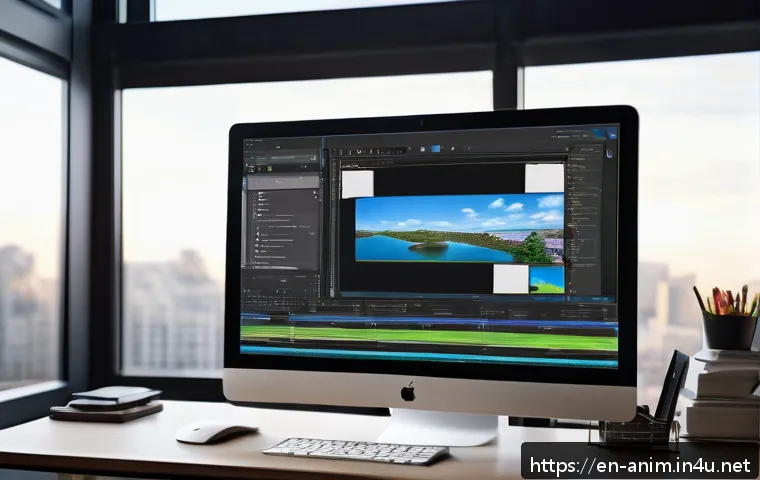
Sometimes, the studio or client demands style changes mid-project, which can be frustrating. I learned to embrace these shifts as opportunities to expand my skill set rather than setbacks.
Adapting your approach while maintaining high-quality output builds professional resilience. Plus, it often leads to surprising creative breakthroughs that wouldn’t have happened otherwise.
Essential Skills Beyond Animation
Effective Communication in a Solo Context
Animating solo doesn’t mean working in a vacuum. Clear communication with producers, art directors, and other departments is vital. I make it a point to provide regular updates and ask clarifying questions early.
This habit prevents misunderstandings and aligns expectations. Even a quick email or message can save hours of rework down the line.
Problem-Solving and Critical Thinking
When challenges arise, you’re the first line of defense. Developing strong problem-solving skills helps you navigate technical glitches or creative blocks efficiently.
I rely on breaking down problems into smaller parts and brainstorming multiple solutions before deciding on the best path. This mindset keeps stress manageable and encourages innovation.
Self-Motivation and Discipline
Without a team constantly pushing you, staying motivated can be tough. Setting daily goals, creating a dedicated workspace, and establishing routines have helped me maintain discipline.
Celebrating progress, even in small doses, fuels ongoing enthusiasm. Remember, your passion for animation is the engine driving your solo success.
Comparing Solo vs. Collaborative Animation Projects
Workload Distribution and Responsibility
In collaborative projects, tasks are divided among specialists, which can lighten individual loads but require constant coordination. Solo projects place all responsibilities on one person, demanding versatility but offering full creative control.
Understanding these dynamics helps set realistic expectations and plan accordingly.
Creative Control and Flexibility
Solo work provides unmatched freedom to experiment and iterate quickly without waiting for approvals. However, it also means fewer checks and balances, which can lead to tunnel vision.
Collaborative settings encourage diverse input but may slow decision-making. Balancing these pros and cons informs how you approach each project type.
Impact on Delivery Speed and Quality
While solo projects might progress faster in some respects, the absence of peer review can impact quality if not carefully managed. Collaboration often yields polished results through multiple revisions and feedback loops but can extend timelines.
Knowing your strengths and limits as a solo animator helps optimize both speed and quality.
| Aspect | Solo Projects | Collaborative Projects |
|---|---|---|
| Creative Control | High – full autonomy | Shared – requires consensus |
| Workload | All on one person | Distributed among team |
| Communication | Direct with supervisors | Continuous among team members |
| Flexibility | More agile, quicker iterations | Slower due to approvals |
| Quality Assurance | Self-monitored | Multiple feedback layers |
| Risk of Burnout | Higher due to workload | Lower with shared tasks |
Conclusion
Working solo within a studio environment demands adaptability and a keen balance between personal creativity and team expectations. Embracing established workflows while maintaining your unique style leads to smoother collaboration and better results. By managing time wisely and leveraging technology, solo animators can deliver high-quality work without sacrificing their artistic vision.
Helpful Tips
1. Stay flexible: Adapting your workflow to studio standards early on prevents delays and builds trust with your team.
2. Prioritize communication: Regular updates and feedback loops ensure your work aligns with project goals and brand identity.
3. Break down tasks: Setting smaller milestones keeps motivation steady and helps avoid burnout.
4. Use automation: Simple scripts and plugins can save valuable time and reduce repetitive work.
5. Reflect often: Keeping track of lessons learned improves your skills and sharpens your creative approach over time.
Key Takeaways
Solo animation projects require a strong sense of discipline, excellent communication, and strategic time management to meet studio expectations without losing creative freedom. Embracing technology and early feedback loops enhances efficiency and quality, while understanding the balance between individual autonomy and collaborative input leads to professional growth and successful project delivery.
Frequently Asked Questions (FAQ) 📖
Q: uestionsQ1: How can I maintain my creative freedom while adhering to a studio’s structured pipeline in a solo animation project?
A: Balancing creativity with studio expectations is definitely tricky but doable. From my experience, the key is clear communication right from the start.
Understand the studio’s guidelines thoroughly, then identify areas where you can inject your unique style without compromising deadlines or quality. Setting milestones helps too—this way you can get feedback early and adjust before final delivery.
Think of the studio pipeline as a framework that supports your creativity rather than restricts it. When you treat it as a collaborative guideline instead of a rigid rulebook, you’ll find more room to express yourself.
Q: What are some practical tips to stay motivated and efficient when working solo on animation projects within a studio environment?
A: Working solo can feel isolating, especially under tight studio schedules. What worked for me was breaking the project into smaller, manageable chunks and celebrating small wins along the way.
Also, keep a daily routine that includes short breaks to recharge your creative energy. Using project management tools or even a simple to-do list can keep you organized and focused.
Don’t hesitate to reach out to colleagues for quick feedback or encouragement—it really helps avoid burnout and keeps the momentum going. Remember, efficiency isn’t about rushing but about smart pacing.
Q: How do I ensure my solo animation project stands out while meeting the technical and artistic standards of a studio?
A: Standing out while ticking all the technical boxes requires a mix of solid skills and personal touch. Make sure you’re fully versed in the studio’s technical requirements—formats, frame rates, software versions—and double-check your work against these specs.
Beyond that, infuse your animation with storytelling elements or unique character nuances that reflect your artistic voice. I’ve found that adding subtle details or playful moments can elevate a project from good to memorable.
Lastly, keep learning and experimenting with new techniques outside of work hours; this continuous growth will naturally shine through your solo projects.